How to Integrate Your Business with FBR's System: Complete 2026 Guide
What is FBR Integration?
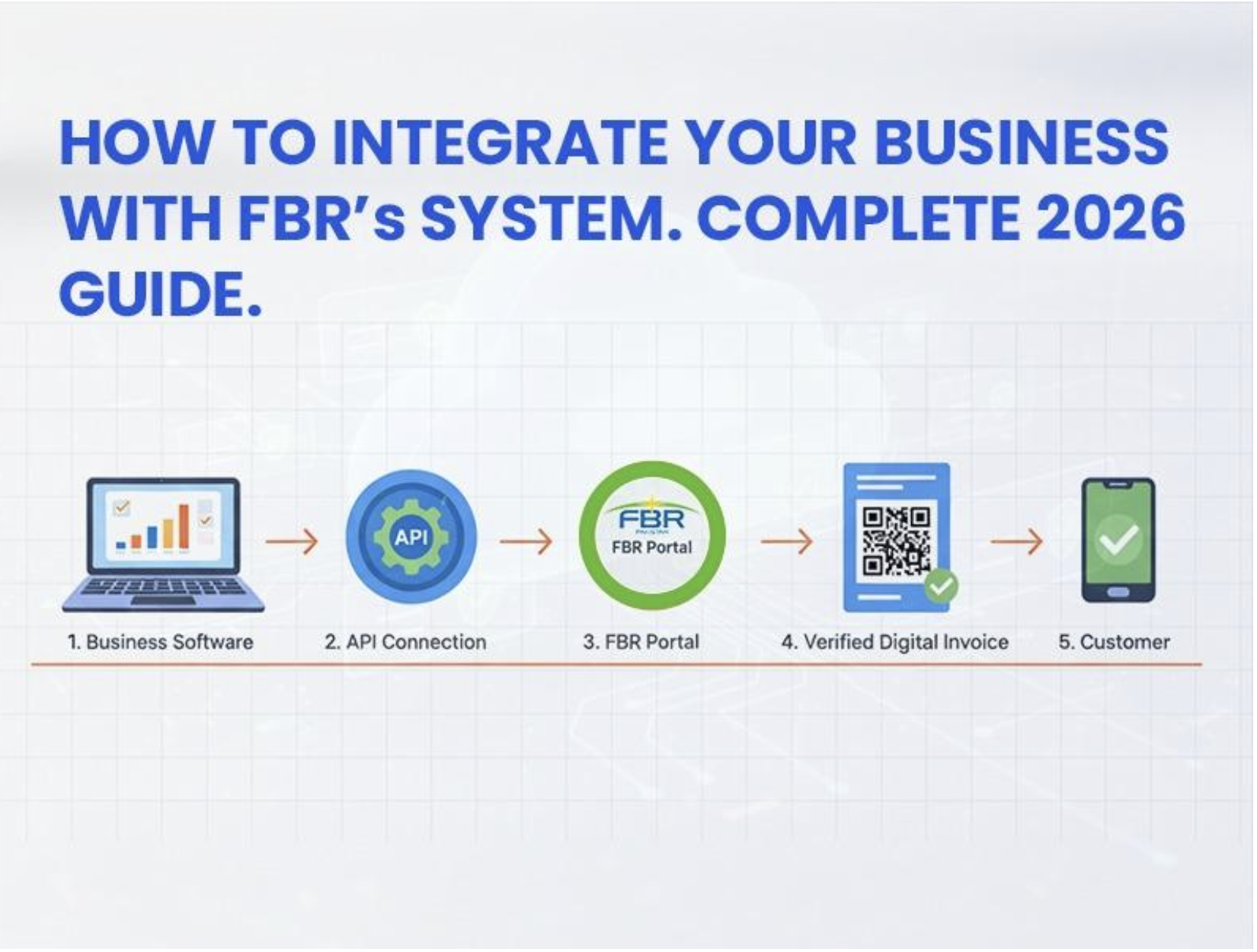
FBR integration connects your business software directly to government servers. Your sales invoices get sent to [FBR Digital Invoicing Software](https://invoicefbr.com) automatically. The system checks every transaction in real-time. This ensures all business activities get recorded properly. Think of it like linking your store to a monitoring hub.
The government launched this to make tax collection transparent. Paper invoices made it easy to hide income. Digital systems create permanent records nobody can erase. This helps honest businesses compete fairly. Plus, [InvoiceFBR](https://invoicefbr.com) actually simplifies tax filing once you're set up.
For a complete overview of compliance requirements, check our [Complete Guide to FBR Digital Invoice Compliance](/blog/fbr-digital-invoice-compliance-guide-2024).
Understanding Registration Requirements First
Getting started with FBR business registration depends on your company's size. Large companies earning over 1 billion rupees registered first. Medium businesses with 100 million to 1 billion followed next. Small companies under 100 million must join now, too. Everyone needs to complete this process soon.
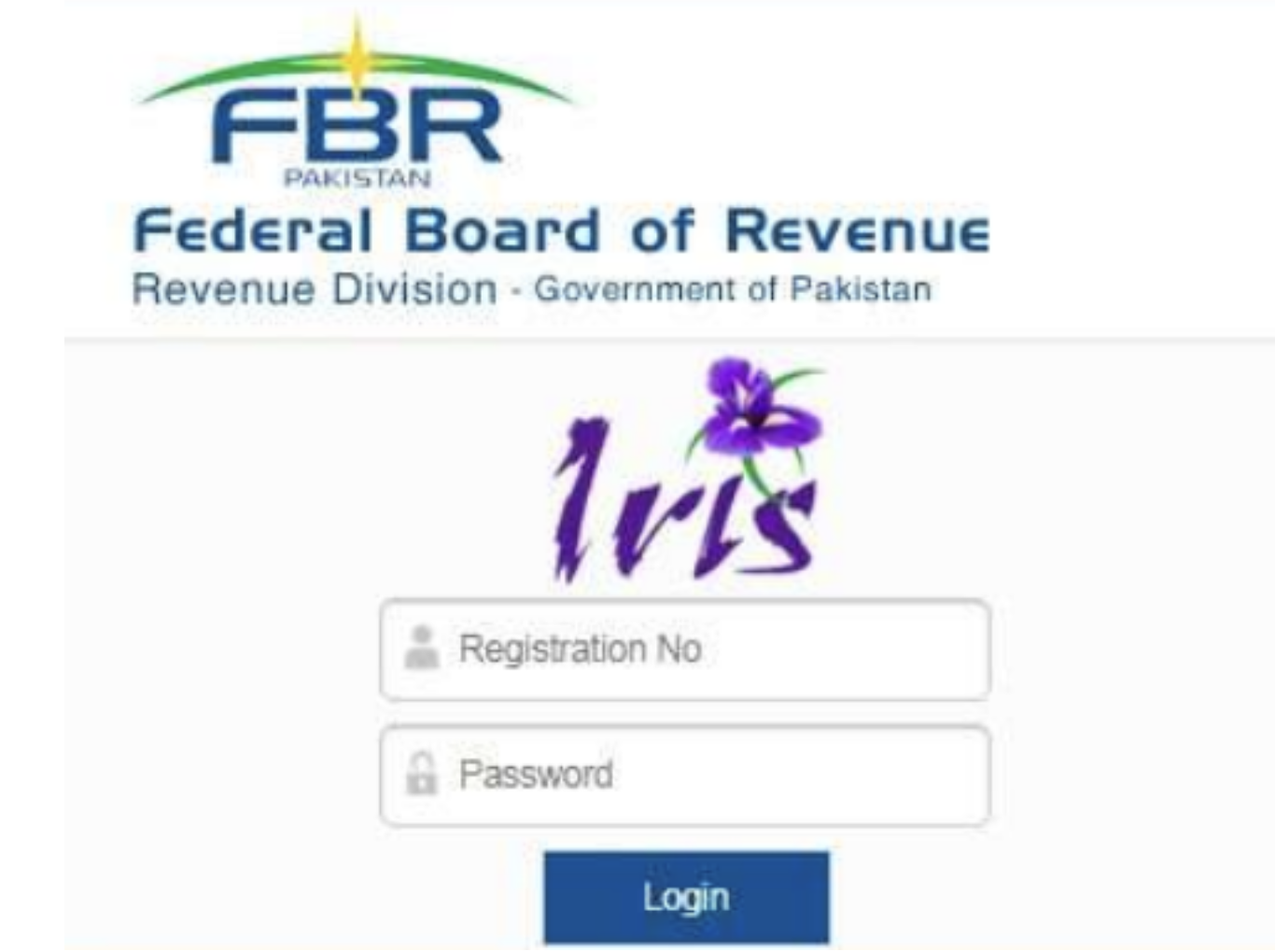
Registration happens through the IRIS portal online. You'll need your National Tax Number ready. Corporate businesses faced earlier deadlines than individual owners. Most businesses completed registration by late 2025. Missing deadlines brings penalties starting from 500,000 rupees.
Need help understanding GST requirements? Read our [GST and Sales Tax Guide for Pakistani Businesses](/blog/gst-sales-tax-guide-pakistan-businesses).
Step-by-Step Guide to FBR Integration Process
Step 1: Choose Approved Software
First, pick FBR-approved software for electronic invoices. [InvoiceFBR](https://invoicefbr.com) is a leading choice for Pakistani businesses. The software must connect to IRIS for data sharing. You can hire licensed integrators or use PRAL services. Make sure your internet stays stable daily.
Step 2: Register on the IRIS Portal
Visit the IRIS portal using your tax credentials. Create your business account with basic details. Upload required documents like business licenses. Upload your CNIC or identification cards too. The system assigns you a unique integration ID.
Step 3: Configure Your Software
Install the approved invoicing software on your computer. [Sign up for InvoiceFBR](https://invoicefbr.com/register) to get started quickly. Enter your business details and tax information. Connect the software to FBR's IRIS system. Test the connection before starting real transactions.
Step 4: Generate Test Invoices
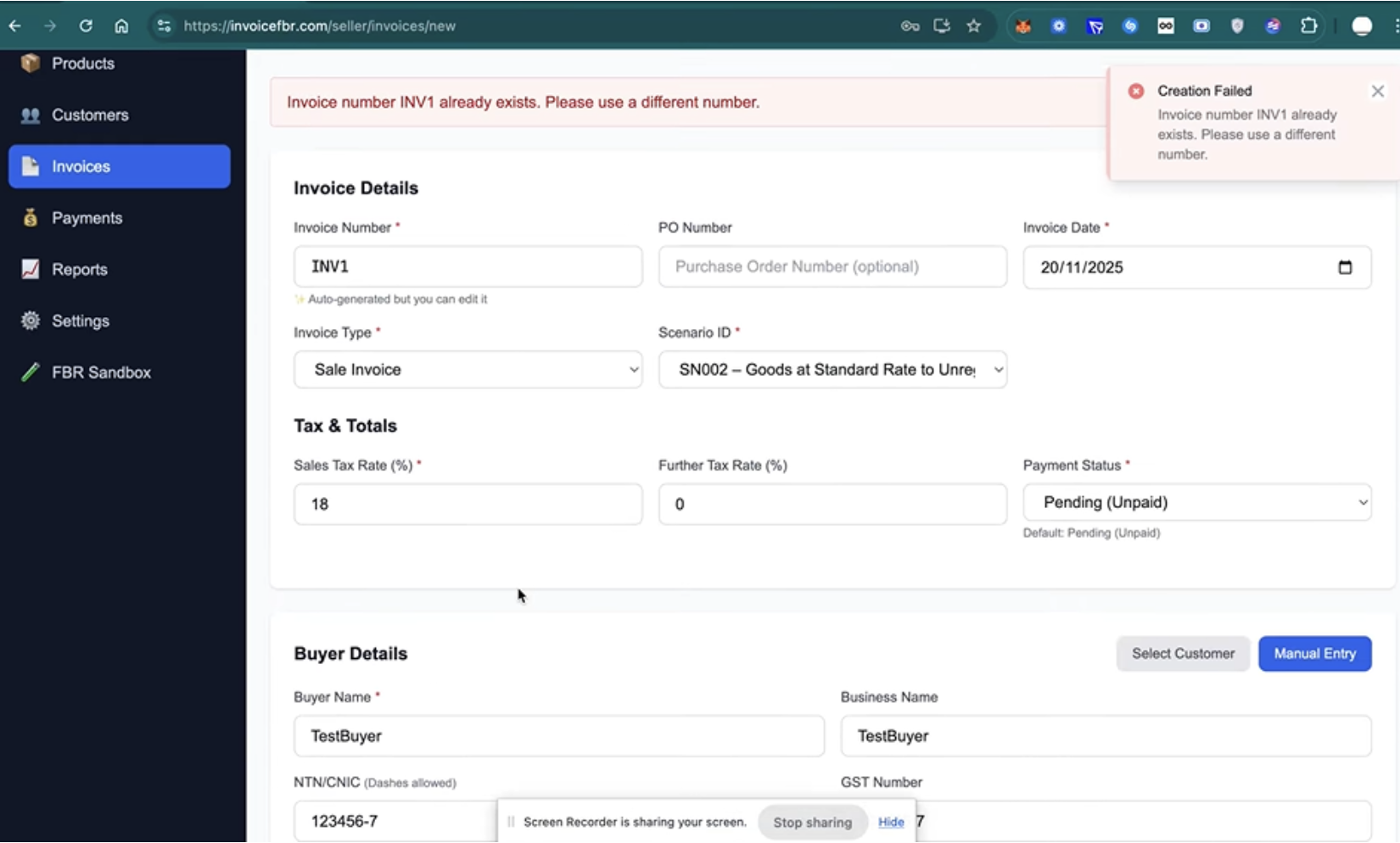
Create sample invoices to check the system. Verify that data transmits to FBR correctly. Check if unique invoice numbers generate properly. Confirm sales tax calculations appear accurate. Fix any errors before going live.
Learn how to create professional invoices in our guide: [How to Create an Invoice: Complete Guide](/blog/how-to-create-an-invoice).
Step 5: Train Your Staff
Teach employees how to use the new system. Show them how to create electronic invoices. Explain the importance of accurate data entry. Practice with them until they feel comfortable. Answer all their questions patiently.
Avoid common mistakes by reading [10 Common Invoicing Mistakes Pakistani Businesses Make](/blog/10-invoicing-mistakes-pakistani-businesses).
Step 6: Go Live with Real Transactions
Start generating actual invoices for real sales. Monitor the system closely during the first few days. Check that all invoices reach FBR successfully. Keep backup records of everything initially. Address problems immediately when they appear.
Technical Requirements You Must Meet
Your computer needs updated software meeting FBR standards. The program must calculate sales tax automatically. Each invoice gets a unique FBR-generated number. Your system should store data for six years. Back up your records regularly.
Internet connectivity matters because invoices are transmitted in real-time. Slow connections cause delays and compliance warnings. Make sure hardware handles the extra processing load. The FBR business registration portal lists technical specifications. Many businesses upgrade computers to avoid problems.
[InvoiceFBR](https://invoicefbr.com) handles all technical requirements automatically, so you can focus on your business.
Benefits of FBR Integration for Businesses
Joining the system saves time after initial setup. Manual paperwork decreases because computers handle record-keeping. Tax filing becomes simpler with organized sales data. You spend less time on missing receipts. The system reduces human calculation errors.
Customer trust improves when you follow regulations. Banks view businesses with digital records favorably. Getting loans becomes easier with transparent documentation. Your business looks more professional to partners. You avoid heavy fines for non-compliance, too.
Digital invoicing can reduce errors by 95%. Learn more in [How Digital Invoicing Can Reduce Accounting Errors](/blog/reduce-accounting-errors-digital-invoicing).
Common Challenges and Simple Solutions
Many owners worry about software and equipment costs. However, [affordable options like InvoiceFBR](https://invoicefbr.com/pricing) exist for small businesses. Training staff takes time but prevents mistakes. Some employees resist change from old methods. Hold regular training and explain the benefits.
Technical glitches happen when systems first connect. Keep your software provider's contact handy. Internet outages can disrupt invoice generation temporarily. Have backup mobile internet for emergencies. FBR usually understands genuine technical issues.
Managing Costs of Integration Setup
Software ranges from free versions to premium packages. Small shops spend 20,000 to 50,000 rupees typically. [InvoiceFBR offers competitive pricing](https://invoicefbr.com/pricing) for all business sizes. Hardware upgrades add extra costs if the computers are old. Budget for annual software subscription fees.
Licensed integrators charge service fees for help. PRAL offers government rates cheaper than private companies. Training costs matter if you need professional teachers. Factor in business disruption during adjustment weeks. Most businesses recover costs through efficiency within one year.
Want to save time? Read [How to Automate Your Invoice Workflow and Save 10 Hours Per Week](/blog/automate-invoice-workflow-save-time).
Staying Compliant After Setup Completion
Regular software updates keep your system compatible. FBR releases new specifications that you must implement. Monitor invoice transmission success rates daily. Check that sales tax calculations stay accurate. Keep detailed logs of system changes.
Assign someone to maintain your FBR business registration status. Annual updates might be necessary with rule changes. Train new employees on invoice procedures immediately. Conduct internal audits quarterly for smooth operations. Staying proactive prevents compliance issues.
For accounting best practices, see our [Essential Accounting Tips for Small Businesses in Pakistan](/blog/small-business-accounting-tips-pakistan).
Conclusion
Completing your FBR integration seems tough at first. Breaking it into smaller steps makes everything manageable. Digital invoicing benefits outweigh setup challenges significantly. Your business joins thousands moving toward tax compliance. Acting now prevents stress when deadlines approach.
Pakistan's economy benefits when businesses operate legally. Proper FBR business registration builds strong foundations for growth. Take the first step by [signing up for InvoiceFBR](https://invoicefbr.com/register) today. [InvoiceFBR](https://invoicefbr.com) makes compliance simple and affordable. Your future self will thank you for this.
Frequently Asked Questions
Do all businesses need FBR integration regardless of size?
Yes, all sales tax-registered businesses must integrate eventually. Large companies faced earlier deadlines than smaller ones. The government implements this in phases by turnover. Even small retailers under 100 million must comply. Only tax-exempt businesses can skip this requirement.
What happens if I miss the integration deadline?
FBR imposes penalties starting at 500,000 rupees per violation. Repeated non-compliance increases fines to 3 million rupees. Your transactions may be declared invalid without electronic invoices. Tax authorities will conduct more frequent audits. Getting compliant quickly with [InvoiceFBR](https://invoicefbr.com) reduces penalties and legal troubles.
Can I use my existing invoicing software?
Your current software must be FBR-approved and IRIS-compatible. Many popular programs released updates adding this functionality. Check with your provider about government system compatibility. If your program can't integrate, switch to [InvoiceFBR](https://invoicefbr.com) - it's fully FBR-compliant. The FBR website lists all certified solutions available.
---
Related Articles
---
Ready to integrate with FBR? [Try InvoiceFBR free for 7 days](https://invoicefbr.com/register) and simplify your compliance journey!
[Get Started with InvoiceFBR →](https://invoicefbr.com)
Ready to Transform Your Invoicing?
Join 130+ businesses using InvoiceFBR for FBR-compliant invoicing
Get Started TodayAbout Zazteck Team
The Zazteck team consists of experienced developers, business consultants, and FBR compliance experts dedicated to helping Pakistani businesses succeed with modern invoicing solutions.